Why Did Copy.ai Charge Your Card After You Canceled? (And How to Get Your Money Back)
Discover why Copy.ai charged your card after cancellation, understand the multi-step checkout trap, and follow our step-by-step guide to secure a full refund today.

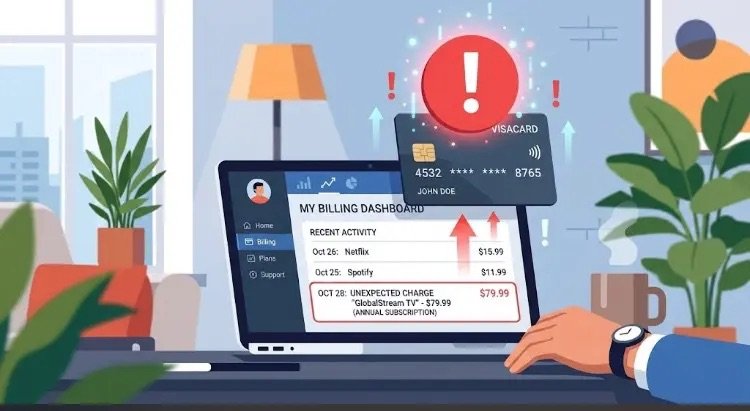
“Conceptual vector illustration of an unwanted recurring credit card billing charge after a software subscription cancellation.”
If you recently checked your bank statement and saw an unexpected charge from Copy.ai—especially after you were sure you canceled your subscription or free trial—you are far from alone. Across forums like Reddit, Trustpilot, and social media, dozens of users have voiced frustration over unexpected recurring charges, missing refunds, and sneaky billing mechanics.
Whether you were hit with an automatic renewal right after a trial or billed for another month after clicking “cancel,” here is the real story behind what is happening, why it occurs, and the exact steps you need to take to get your money back.
What’s Behind the Copy.ai Billing Confusion?
When digging into user complaints and real-world billing logs, unexpected Copy.ai charges usually stem from four main issues:
1. The Multi-Step Cancellation Trap
This is the most common pitfall. Like many modern SaaS platforms, Copy.ai uses a multi-step cancellation flow. Clicking the initial “Cancel Subscription” button on your account dashboard doesn’t immediately finalize the process. Instead, it triggers a series of retention screens asking for feedback, offering discounts, or asking you to confirm your decision.
If you close the tab before hitting the final “Confirm Cancellation” button, the system keeps your subscription active, leading to an automated charge on your next billing date.
2. Free Trial Auto-Renewals
When signing up for a free trial or low-cost intro offer, users enter their credit card information. If the trial isn’t canceled at least 24 to 48 hours before the trial window closes, the system automatically converts the account into a paid monthly or annual plan.
3. Time Zone Delays
Billing servers process automated payments on strict global time zone schedules (typically UTC or EST). If you initiate a cancellation on the exact final calendar day of your billing cycle, the request might register a few hours after the automated billing script has already queued the charge.
4. Separate Workspace Subscriptions
Copy.ai allows users to manage multiple workspaces under a single login. Canceling a subscription for Workspace A does not automatically cancel paid plans attached to Workspace B or Workspace C. Users often cancel one team workspace while leaving another active.
How to Fix It and Claim Your Refund: Step-by-Step
If Copy.ai charged your card unexpectedly, follow these steps to secure a refund and prevent future charges.
Step 1: Double-Check Your Account & Workspace Status
First, log back into your Copy.ai account and navigate to Settings > Billing.
- Verify that your current subscription status explicitly says “Canceled” or “Free Plan.”
- Check all associated workspaces in the top-left dropdown menu to ensure no secondary workspace has an active paid subscription.
- Take a screenshot of your billing dashboard showing the cancellation status for documentation.
Step 2: Contact Customer Support Directly
Copy.ai does not offer phone support, but you can reach their billing team via email.
Send a polite, direct email to help@copy.ai or support@copy.ai using the template below:
Subject: Urgent: Unauthorized Charge / Refund Request for Account [Your Email]
Hi Copy.ai Support Team,
I am writing to request an immediate refund for a charge of $[Amount] processed on [Date] for my account registered under [Your Email Address].
I attempted/completed the cancellation of my subscription prior to this charge. Due to [a billing delay / multi-step cancellation confusion / trial auto-renewal], my payment method was billed unexpectedly.
Please confirm the immediate cancellation of my subscription and issue a full refund to my original payment method.
Thank you, [Your Name]
Tip: Include payment transaction IDs, the last 4 digits of your card, and relevant screenshot attachments to speed up response times.
Step 3: File a Bank Dispute / Chargeback (If Unresolved)
If Copy.ai support is unresponsive or denies your refund request after a reasonable timeframe (3–5 business days), contact your card issuer or bank directly.
Request a chargeback on the grounds of an unauthorized or improperly billed recurring transaction. Provide your bank with:
- Proof of your cancellation request (emails or dashboard screenshots).
- Communication logs with customer support.
- The original transaction receipt.
Banks almost always side with consumers when clear proof of cancellation attempt is provided.
How to Protect Yourself in the Future
- Use Virtual Cards: When signing up for SaaS free trials or AI tools, use virtual card services (like Privacy.com or Revolving Virtual Credit Cards from your bank). Set a spending limit of $1 or pause the card immediately after registration.
- Cancel Immediately After Sign-Up: If you sign up for a 7-day trial, go straight to settings and cancel it on Day 1. You will retain access for the remaining 6 days without risking an automatic renewal charge.
- Always Look for Confirmation Emails: Never assume a subscription is canceled until you receive an automated email explicitly stating: “Your subscription has been canceled.” Keep this email stored safely.