What Is the “Copy.ai Free Plan Limit Reached” Error? Causes & How to Fix It
Hit the free tier limit on Copy.ai? Learn why the "Free Plan Limit Reached" error happens and discover practical solutions to keep your content creation workflow running smoothly.


Hitting the wall on your AI content workflow? The dreaded “Free Plan Limit Reached” alert on Copy.ai can definitely slow down your productivity. Check out our latest guide to find out why this happens and how to keep your projects moving forward seamlessly!
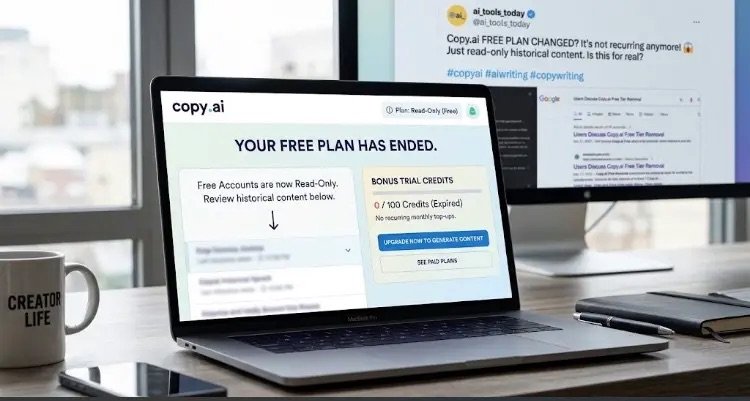
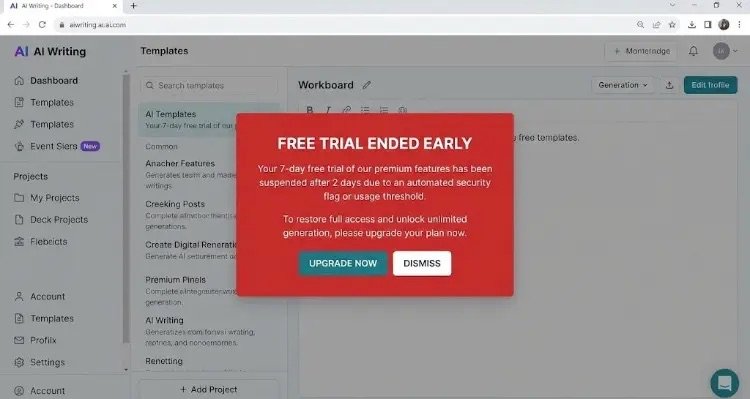
Have you ever been deep in the zone, generating catchy copy or drafting a blog post with AI, only to be stopped dead in your tracks by a bright red warning message? “Copy.ai free plan limit reached.”
Getting hit with this limit right when you are in the middle of a project can be frustrating. So, what exactly is this issue that thousands of users are talking about online, and how can you solve it without disrupting your content creation workflow?
In this guide, we will break down why this error occurs and share practical solution to keep your content pipeline moving smoothly.
What Does “Copy.ai Free Plan Limit Reached” Mean?
In short, this notification means you have exhausted the monthly word or credit allowance allocated to Copy.ai’s free tier users.
Copy.ai generally offers free accounts a cap—typically 2,000 words per month (or promotional trial credits that vary over time). While 2,000 words might sound like plenty at first, that quota disappears surprisingly fast during real-world AI copywriting:
- Regenerating Outputs: Every time you click “Generate” to tweak a sentence or try a different angle, those unused background variations count against your word allowance.
- Advanced AI Models: As backend AI architectures evolve and become more resource-intensive, platforms monitor and enforce free tier caps much more strictly.
- Monthly Reset Cycle: Your free words do not reset daily—they refresh once a month based on the exact date you created your account.
How to Fix It & Keep Writing
If you run into the free plan wall, here are the most effective ways to resolve the issue and get back on track:
1. Wait for Your Monthly Renewal
If your project isn’t on a strict deadline, check your billing/account dashboard to see your exact renewal date. Your free 2,000-word allowance resets automatically every month on that date.
2. Upgrade to a Paid Plan
If you rely on AI for daily writing, freelancing, or marketing campaigns, upgrading to a Pro or Chat plan is the most permanent solution. Upgrading unlocks:
- Unlimited word generation.
- Direct access to advanced models like GPT-4o, Claude, or Gemini.
- Custom Brand Voice settings and workflow templates.
3. Optimize Your Prompting (Save Credits)
If you want to stick with the free version, make every word count:
- Write Detailed Prompts: Be specific in your first prompt so the AI gets it right on the first try, saving you from wasting words on re-generations.
- Use AI for Outlines, Not Full Drafts: Let the AI assist with brainstorming, structuring, or expanding tricky paragraphs, and handle the rest yourself.
4. Switch to Powerful Free Alternatives
You don’t have to put your work on hold just because one platform hits a limit. Consider these excellent alternatives:
- ChatGPT (OpenAI): Highly generous free tier for drafting, brainstorming, and editing text.
- Claude (Anthropic): Known for producing natural, human-like prose, making it ideal for blog posts and long-form content.
- Google Gemini: Great for research-heavy topics thanks to real-time search integration.
- Writesonic / Jasper: Worth exploring for their initial free trial credits and marketing-focused templates.
Final Thoughts
Hitting the Copy.ai free limit doesn’t have to bring your productivity to a halt. Whether you choose to upgrade for unlimited access or leverage complementary tools like ChatGPT and Claude, you can keep your creative momentum going without missing a deadline.
Have you encountered word limits on AI writing tools recently? Which alternative platform is your go-to backup? Let us know in the comments below!