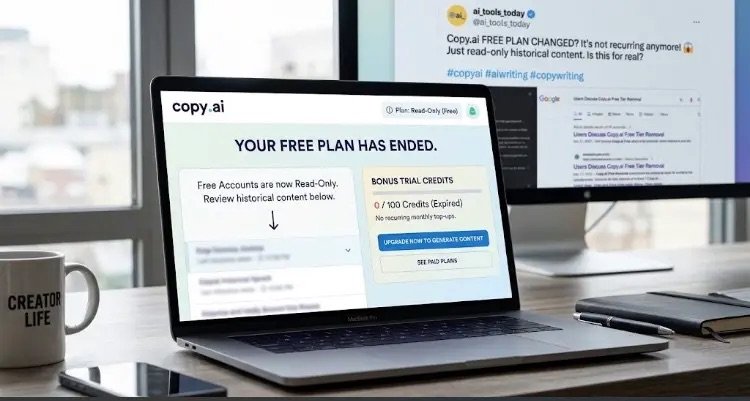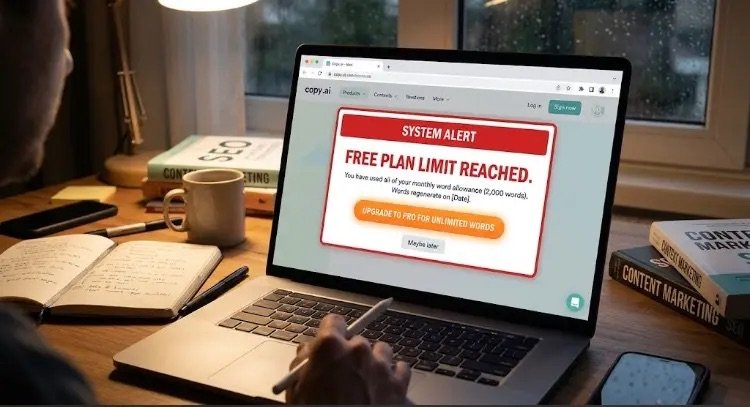
Copy.ai Free Trial Ended Early? Here’s Why It Happens and How to Fix It
Encountering the "Free trial ended early" notice on Copy.ai? Learn why automated security flags cut trial periods short and follow simple, step-by-step methods to reactivate your access.

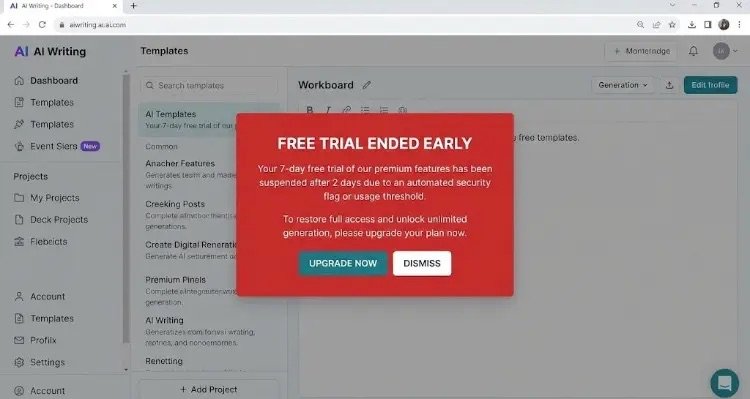
An automated security modal appearing on Copy.ai displaying the “Free Trial Ended Early” notification.
As someone who relies heavily on AI writing assistants to optimize workflows and draft fresh content, I love testing out different platforms. Recently, though, I ran into a frustrating roadblock when trying out Copy.ai: “Your free trial has ended”—before I even got a chance to generate my first real piece of copy!
If you’re facing the exact same issue, don’t worry. It’s a surprisingly common bump in the road.
In this guide, I’ll walk you through why Copy.ai terminates free trials early and the exact step-by-step solutions I used to get around it.
Why Did My Copy.ai Free Trial End So Quickly?
AI platforms don’t do this out of spite—they rely on automated security systems to block spam accounts, bots, and trial abuse. A few common triggers usually cause your trial to expire prematurely:
- Duplicate Network or Device Match: If anyone on your Wi-Fi network (or you on a previous account) created a Copy.ai trial before, the platform identifies the device or IP footprint and flags the new account right away.
- Card Verification Hold Failed: If you entered payment details, Copy.ai attempts a tiny temporary hold to verify the card. If your card lacks balance or blocks the transaction, the trial is canceled automatically.
- You Hit the Word Limit: Free trials aren’t just based on days; they also come with a word/credit limit. If you generated a few heavy prompts on your first day, you might have hit your word cap without realizing it.
- Browser Cookie Glitches: Sometimes, old login sessions or cached data confuse the dashboard into thinking your trial is already over.
How to Fix the “Trial Ended Early” Issue
If your trial was cut short, here are the most effective ways to get back on track:
1. Try an Incognito Window
Before doing anything complex, clear your browser cookies or open a private/incognito window. Log out and back in. In many cases, it’s just a browser cache sync error.
2. Check Your Payment Method
If you used a virtual card or prepaid card, make sure it has a small active balance ($1–$2) so the system’s temporary authorization check goes through successfully.
3. Sign Up Using Mobile Data & a Fresh Email
If your IP address was flagged:
- Turn off Wi-Fi on your phone or laptop and connect via mobile hotspot.
- Open an incognito browser window.
- Create a new account using a fresh email address (Google SSO works best).
This fresh connection usually bypasses the previous network flag instantly.
4. Reach Out to Copy.ai Support
If you’re a genuine first-time user who got locked out by mistake, send a quick message to Copy.ai support via their help icon. Their team is generally responsive and happy to manually reactivate legit trial accounts.
Final Thoughts
Running into technical glitches while testing new AI tools can be annoying, but it’s usually easy to fix once you know what triggered the security system.
Have you run into this issue with Copy.ai or other AI tools? Which step worked for you? Let me know in the comments below!