
Copy.ai “Account Locked” Error: What It Is and How to Fix It Easily
Locked out of your Copy.ai account? Discover the most common causes behind the "Account Locked" security error—from SSO mismatches to VPN triggers—and follow our step-by-step guide to restore your access in minutes.

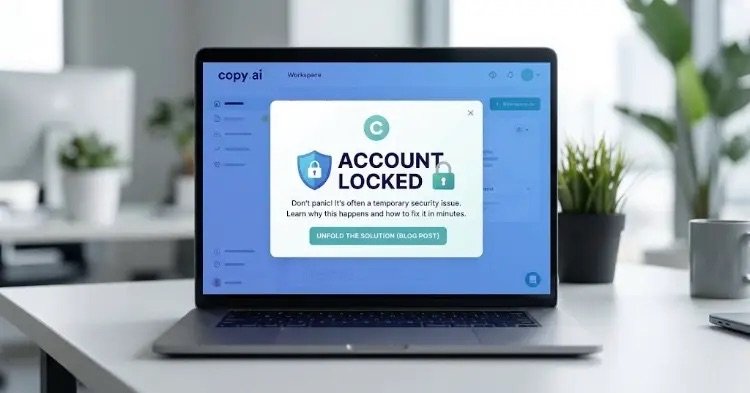
Facing a “Copy.ai Account Locked” warning? Here is how to quickly resolve security lockouts and regain access.
The “Account Locked” error is a frequently discussed issue among users of the AI-powered content and workflow automation platform Copy.ai. It typically stems from automated security triggers or browser session conflicts. Getting locked out right when you have urgent content to produce can be frustrating, but in most cases, the issue can be resolved in just a few minutes.
In this guide, we break down why your Copy.ai account gets locked and walk you through the fastest ways to regain access.
Why Does a Copy.ai Account Get Locked?
When Copy.ai restricts your login or locks your account, it is usually due to one of the following four reasons:
- Too Many Failed Login Attempts: Entering the wrong password multiple times in a row triggers a temporary security lock to protect your account against potential brute-force attacks.
- Login Method Mismatch (SSO vs. Password): If you originally signed up using “Continue with Google” but later attempt to log in by typing an email and password (or vice versa), the system may flag the mismatch and block the session.
- VPN, Proxy, or Suspicious IP Changes: Connecting through VPNs or proxies that frequently switch locations can trigger Copy.ai’s firewall, causing it to lock the account due to “suspicious activity.”
- Billing Issues or Terms of Service Violations: Failed subscription payments, sharing a single individual account across multiple IPs simultaneously, or running unauthorized automation scripts can lead to account restrictions.
Step-by-Step Guide to Unlocking Your Account
Follow the steps below in order to restore your access. The vast majority of users resolve the issue within the first three steps.
1. Wait Out the Cooldown and Reset Your Password
If the lock was triggered by failed password attempts, the system typically enforces a temporary cooldown lasting 15 to 30 minutes.
- Stop attempting to log in immediately (repeated attempts can extend the lockout timer).
- Click the “Forgot Password?” link on the login screen.
- Follow the reset link sent to your email to create a new password. Resetting your password often clears the stuck security flag and unlocks your account right away.
2. Verify Your Login Method
Make sure you are signing in the exact same way you registered:
- If you created your account via Google, click “Continue with Google” instead of manually typing your email and password.
- Alternatively, enter your email address and request a one-time Magic Link to bypass password authentication altogether.
3. Disable Your VPN and Use Incognito Mode
Corrupted browser cache or an active VPN connection can sometimes cause false lockout errors:
- Turn off any active VPN or Proxy services.
- Open a new Incognito / Private Window in your browser (
Ctrl + Shift + Non Windows orCmd + Shift + Non Mac). - Disable ad-blockers temporarily, go to
copy.ai, and try logging in again. If this works, simply clear your browser’s cookies and site data for Copy.ai in your regular window.
4. Contact Copy.ai Support
If your account remains locked after trying the steps above—which usually indicates a billing hold or manual security review—you will need to reach out to their team:
- Send an email to
support@copy.aifrom the exact email address registered to your account. - Attach a screenshot of the error message and briefly explain that your account appears to have been locked in error. The support team typically verifies ownership and restores access within 24 hours.
Tips to Prevent Future Lockouts
- Stick to One Login Method: Always access your account using the same authentication method (either Google SSO or email/password).
- Avoid Sharing Individual Logins: Logging into a single personal account from different cities or countries at the same time will trigger security blocks. If you work with a team, use Copy.ai’s built-in multi-user Workspace features instead.